


- Written by
- Remaleh Cyber Safety Team
- Reviewed by
- Remaleh Cyber Safety Team Practical Cyber Safety guidance and response
- Last reviewed
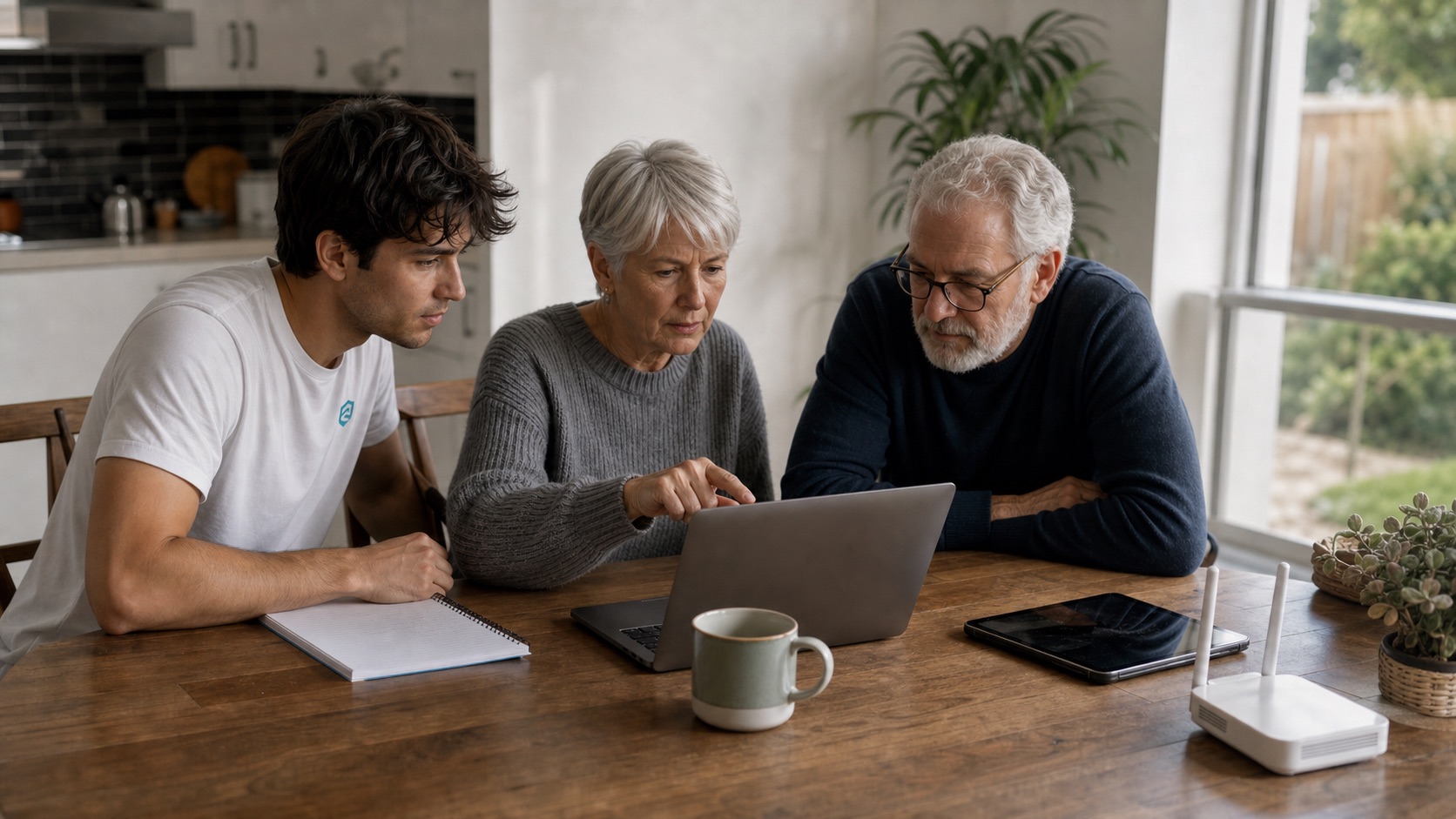
Cybersecurity software for shared households needs to let different people use the same home network without turning every account or device into shared access.
Shared homes can be housemates, couples, extended families, students, carers, tenants, or adult children at home. The online safety problem is usually not one bad device. It is unclear ownership. Shared passwords. Old access nobody removed. Devices nobody recognises.
Pick cybersecurity tools that keep people separate
- Use separate user accounts on shared computers and streaming devices where possible.
- Avoid one shared email, banking, app-store, or cloud-storage login.
- Use a password manager that supports separate vaults or careful sharing for shared items.
- Protect the router admin account. Limit who can change network settings.
- Create a guest Wi-Fi network for visitors, contractors, and devices that should stay off the main network.
Software helps with passwords, antivirus, safer browsing, device updates, and privacy alerts. Shared homes also need agreements: who manages the router, who has camera access, how guests connect, and what happens when someone moves out.
Shared homes need clear boundaries online, just like locks and keys offline.
- Remaleh Cyber Safety guidance
Review access when the household changes
When a housemate, partner, tenant, or carer leaves, check Wi-Fi passwords, smart home access, shared subscriptions, cloud folders, cameras, doorbells, alarms, app permissions, and any saved devices.
The best software is the one that supports this routine. It helps each person protect their own accounts. It makes shared access easy to see, and easy to remove.
Use a move-in and move-out checklist
- Move-in: create guest Wi-Fi, avoid shared personal logins, set separate device profiles, and agree who manages the router.
- During the household: keep shared subscriptions separate from email, banking, cloud, and password-manager access.
- Move-out: change Wi-Fi, remove smart-home users, review cameras and doorbells, remove saved devices, and update shared folders.
- Visitor access: use guest Wi-Fi for guests, contractors, carers, and devices that do not need full access.
Source: Australian Cyber Security Centre , ETSI
This matters most where cameras, doorbells, routers, streaming accounts, and cloud folders are shared. The safest setup lets each person keep their own accounts while making shared access easy to remove when the household changes.
Shared software should never require one person to hold everyone else's passwords or recovery details. If a tool cannot separate personal access from household access, keep it away from email, banking, cloud storage, private photos, and account recovery.
The same rule applies to smart-home apps. A camera, lock, alarm, or router account should have a clear owner, clear backup access, and a clear removal step when someone moves out.